The open board is self-directed. QuickShip does not assign loads to carriers.
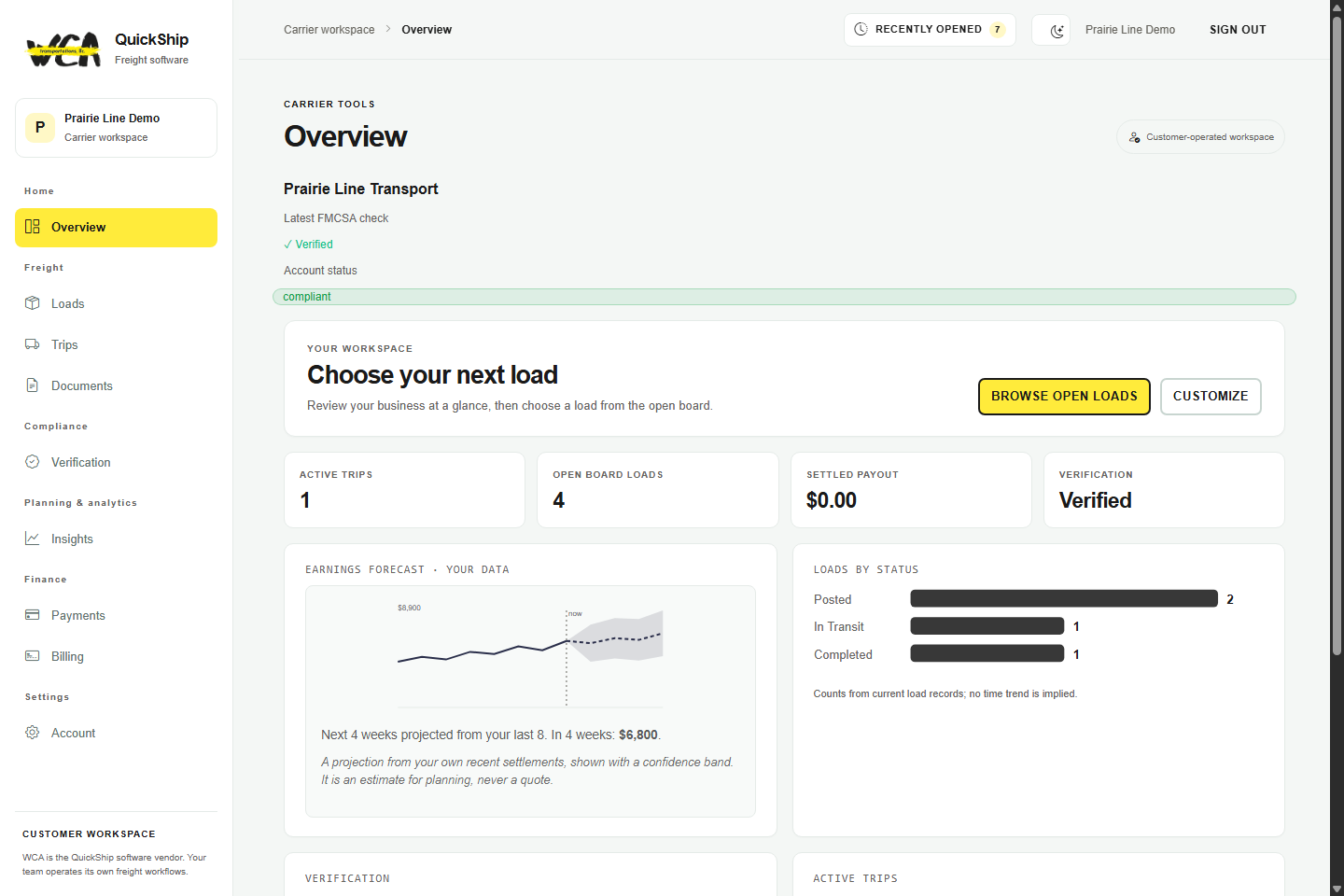
Carrier workspace preview — records and outlook values are fictional.
In your workspace
Keep load work and business context together.
1Load board
Review posted opportunities and choose whether your team books or requests one, as each load's poster allows. No transaction fee.
2Trips and documents
Keep trip status, shipment documents, and delivery records available to your team.
3Verification and settlement
Review retrieved public records and your own settlement context.
Every carrier plan includes ePOD and Hours-of-Service clocks. Fleet plans add multi-truck dispatch planning, ELD duty-status import across your drivers and automated sharing of your dated FMCSA record checks; higher tiers add continuous-moves and backhaul planning to cut deadhead miles.
One operation, two screens
The office and the cab, on the same records.
Dispatch works the board and the fleet from a desktop. On a phone, the same workspace shows the load, the next stop and the buttons to report trip status and upload proof of delivery. Same trip, same record.
Dispatcher · desktop
app.wcaquickship.comDemo data
Dispatcher dashboard — fictional demo data.
Driver · phone view
QuickShip
Current load · #QS-4821
Chicago, IL→Indianapolis, IN
Trip status · as reported
Booked
At pickup
In transit
Delivered
Next stop · DeliveryIndianapolis, IN
DocumentsBOL ✓
Phone view — fictional load. Illustration. Trip status is reported by your team, not tracked by GPS.
Know who you’re hauling for
Check the broker before you accept.
Before you commit a truck, confirm the broker’s operating authority is active and its surety bond is on file — the filing that stands behind your pay — and keep your own record of how each one actually pays. Your team decides which loads to accept.
Public records for your review, plus your own notes. QuickShip does not rate brokers or assign your trucks.
On any broker you review
Operating authority activeBroker authority is current and not revoked.
Surety bond on fileThe financial-security filing that backs your payment.
Process agent (BOC-3) on fileThe required filing is in place.
Your own payment recordKeep notes on how each broker pays, trip to trip.
Lane context
Dry-van freight on the lanes you run.
QuickShip works for your lanes wherever you operate in the U.S. Lane-level context builds as you use it; Chicago to Indianapolis is shown as an example.
Published pricing is per FMCSA-reported power unit, priced in steps from $39 for the first truck, so a bigger fleet pays a lower average. Load board access is included — book or request loads, as each load's poster allows, with no per-load or transaction fee and no percentage of freight.
 app.wcaquickship.com